
.svg)

.svg)


.svg)
.svg)
.svg)

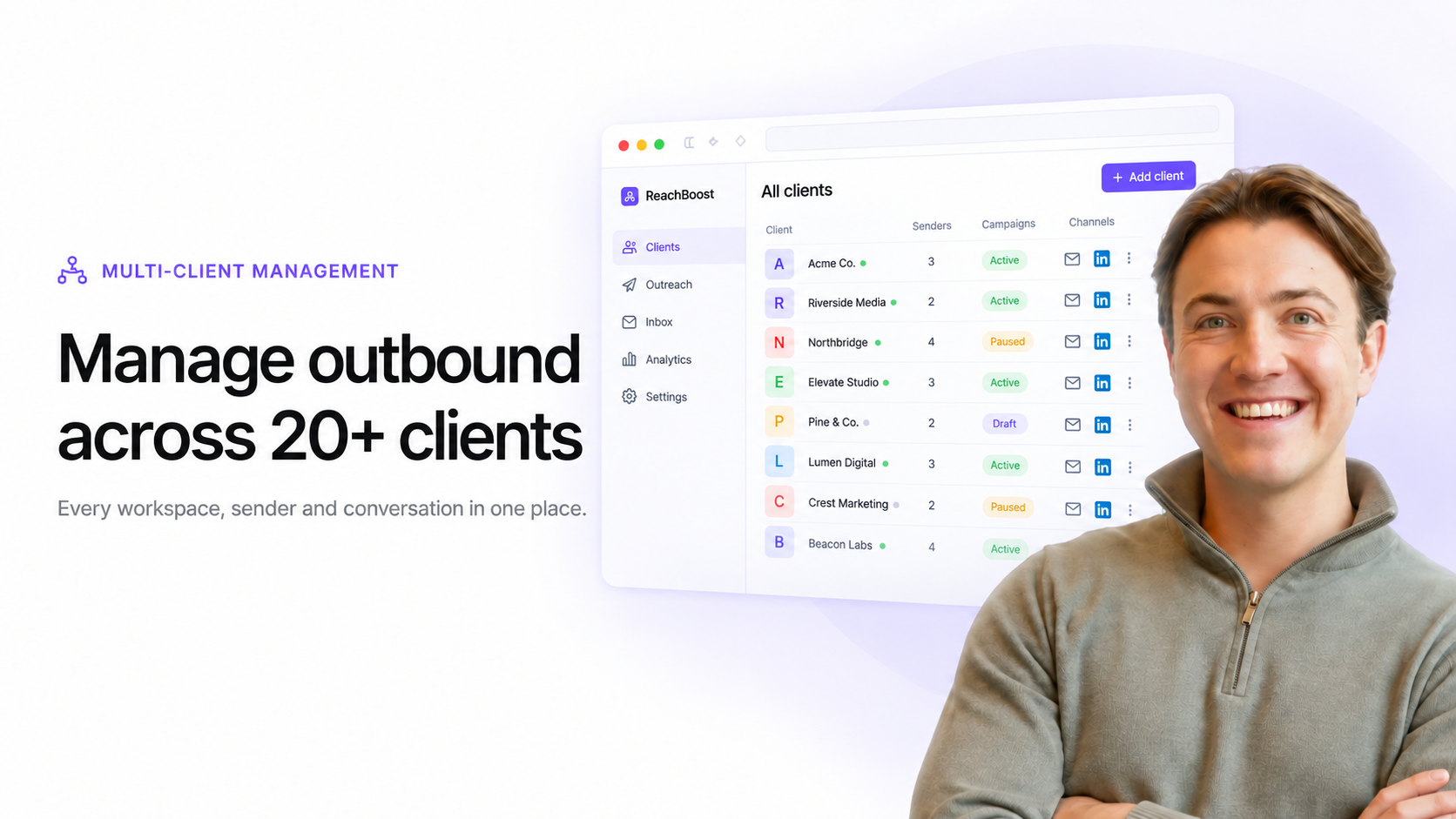

How Agencies Manage Outbound Across 20+ Clients
The challenge is no longer just writing messages or launching campaigns. The agency now needs to control dozens of senders, inboxes, lead lists, sequences, conversations, team members and client expectations at the same time.
Without a clear system, every new client adds more complexity. With the right structure, the agency can grow without rebuilding its process for every account.
Why Multi-Client Outbound Becomes Difficult
Most outbound tools are designed around a single company or individual sales team. An agency operates differently.
Each client is its own outbound environment:
- Different ideal customer profiles
- Different messaging and offers
- Different email inboxes and LinkedIn accounts
- Different campaigns and lead lists
- Different people responsible for replies
- Different reporting requirements
When these environments are spread across separate tools and logins, the agency loses its central overview.
The Five Layers of a Scalable Client Outbound System
1. A Separate Workspace for Every Client
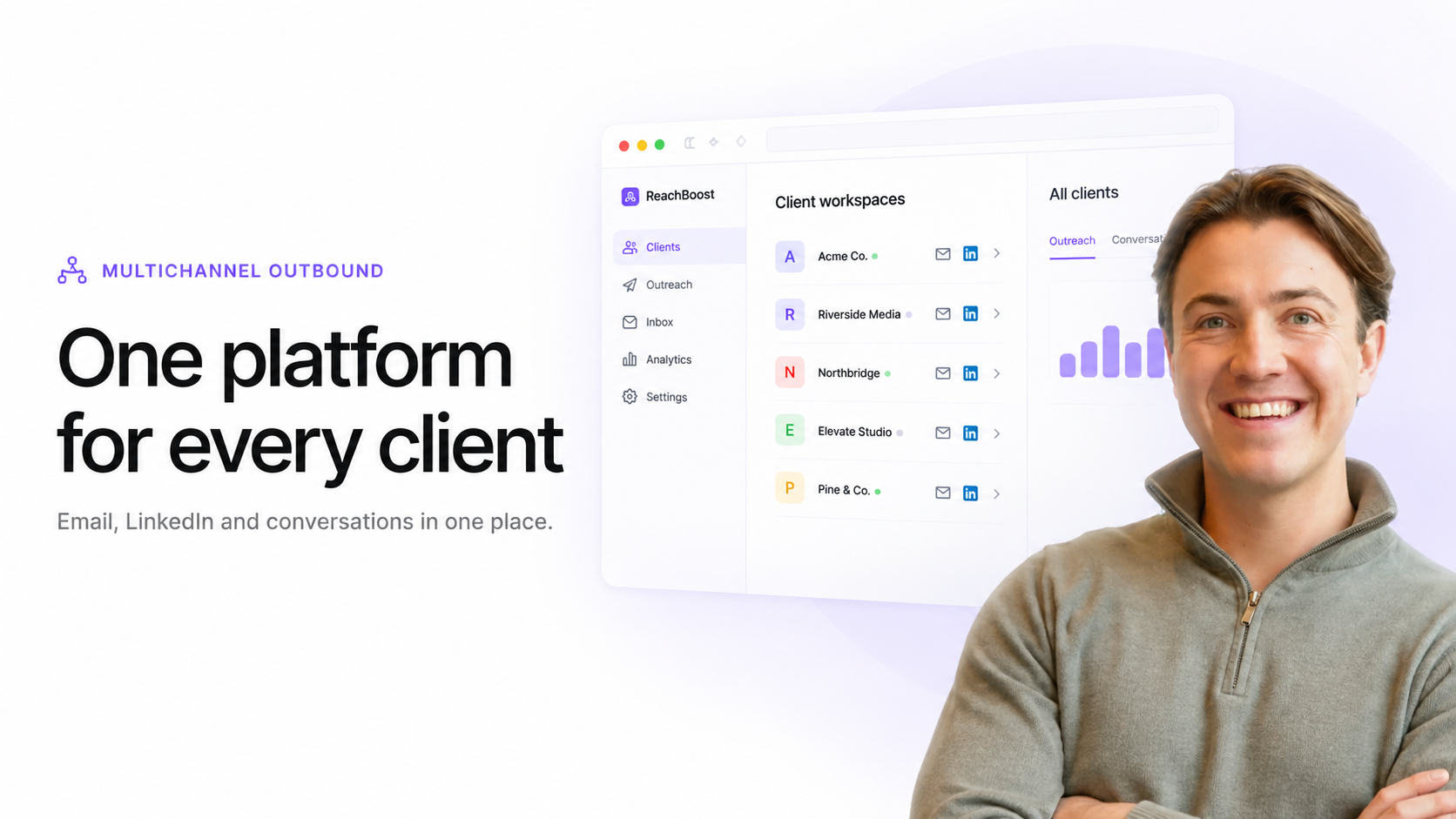
Each client should have a dedicated workspace containing its accounts, campaigns, leads, conversations and settings.
This creates a clean boundary between clients. It also makes onboarding, permissions, reporting and offboarding easier because the complete operation is organized in one place.
2. Central Control Across All Workspaces
Separate workspaces are useful, but the agency should not need to open every client account just to understand what is happening.
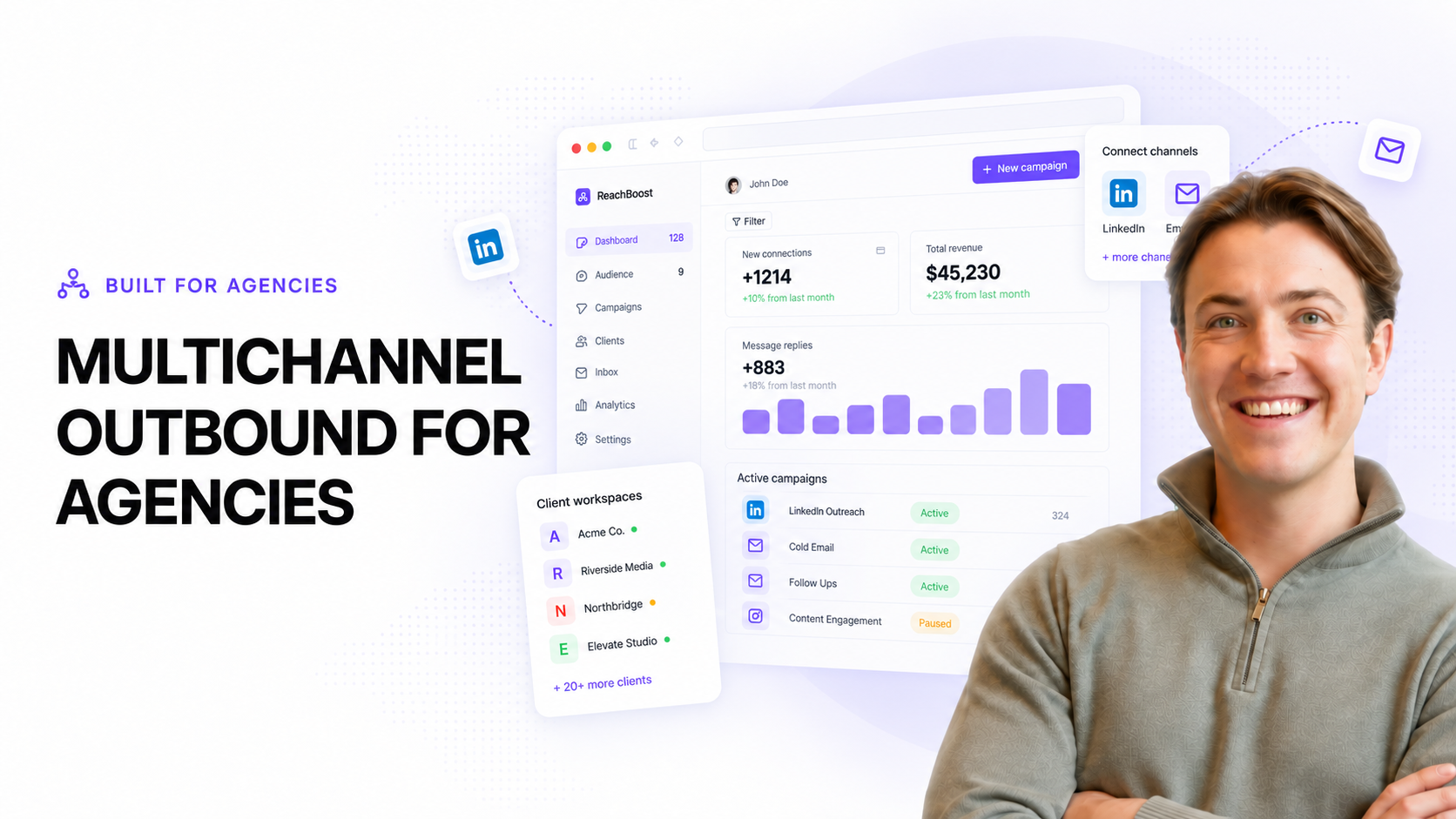
A central agency view should show:
- Active clients and campaigns
- Connected email and LinkedIn senders
- Accounts that require attention
- Tasks and important notifications
- Campaign and sender performance
- Conversations that need a response
This changes account management from reactive checking into a controlled daily workflow.
3. Consistent Campaign Structure
Every client needs unique messaging, but the underlying process should be repeatable.
An agency can standardize how it builds lead lists, verifies data, creates campaigns, approves copy, launches sequences, monitors performance and handles replies. The strategy remains flexible while the operating process stays consistent.
4. Clear Roles and Ownership
As the agency grows, more people become involved. Campaign managers may build sequences, copywriters may edit messaging, sales representatives may handle replies and clients may need visibility without full editing access.
Roles and permissions ensure that each person can access what they need without creating unnecessary risk across other client accounts.
5. One Process for Conversations
Campaigns create activity, but conversations create opportunities. If replies are scattered across individual LinkedIn inboxes, email accounts and separate platforms, follow-up becomes unreliable.
A centralized inbox allows the agency to qualify responses, assign ownership, update stages and keep the conversation connected to the correct client and campaign.
How Email and LinkedIn Should Work Together
Email offers reach and flexibility. LinkedIn adds professional context and additional touchpoints. For many clients, the strongest sequence uses both.
The channels should not run as unrelated campaigns. They should respond to the same lead status and conditions. If someone replies to an email, the scheduled LinkedIn pitch should stop. If a connection is accepted, the next step can adapt. If a lead is not available on one channel, the campaign can continue on another.
This coordination prevents duplicate outreach and creates a more natural prospect experience.
What to Standardize and What to Keep Client-Specific
Agencies should standardize the operation, not the relevance.
Standardize:
- Workspace setup
- Campaign approval
- Sender checks
- Lead stages
- Reply handling
- Reporting workflows
Keep client-specific:
- Ideal customer profile
- Offer and positioning
- Lead selection
- Messaging
- Channel mix
- Success criteria
This balance gives the agency a repeatable service without making every campaign feel the same.
How ReachBoost Supports Multi-Client Outbound
ReachBoost is built for agencies managing outbound campaigns across multiple clients.
It brings client workspaces, native email and LinkedIn outreach, campaign management, sender oversight, conversations, roles, integrations and reporting into one platform.
Instead of assembling a separate stack for every client, the agency can operate from one central system while keeping each client environment clearly separated.
The Goal Is Operational Clarity
An agency does not scale by adding more logins, spreadsheets and manual checks. It scales by making the work repeatable and visible.
The right multi-client outbound system gives the agency a clear answer to three questions at any moment: What is running? What needs attention? Who is responsible?



.svg)
.svg)
.svg)
.svg)
.svg)
.svg)

.svg)